Set Up ledgr in 10 Minutes: Your First Net Worth Snapshot
Track your net worth in 10 minutes—no bank login, no spreadsheet. A step-by-step guide to setting up ledgr and capturing your first net worth snapshot.

Most people have no idea what they're actually worth. Not because the math is hard—but because the numbers live in six different places: a banking app here, a brokerage login there, a mortgage statement in your inbox, some crypto on an exchange you barely remember the password to.
A net worth tracker fixes that—and you don't need to connect a single bank account to use one. In this guide you'll set up ledgr and capture your first net worth snapshot in about 10 minutes, with everything stored privately on your own device.
Here's the whole plan:
- Setup your vault and verify your email
- Assign your base currency
- Add what you own and owe (your "instruments")
- Log this month's balances
- Read your first net worth number
Let's go.
What is a net worth snapshot (and why monthly beats daily)
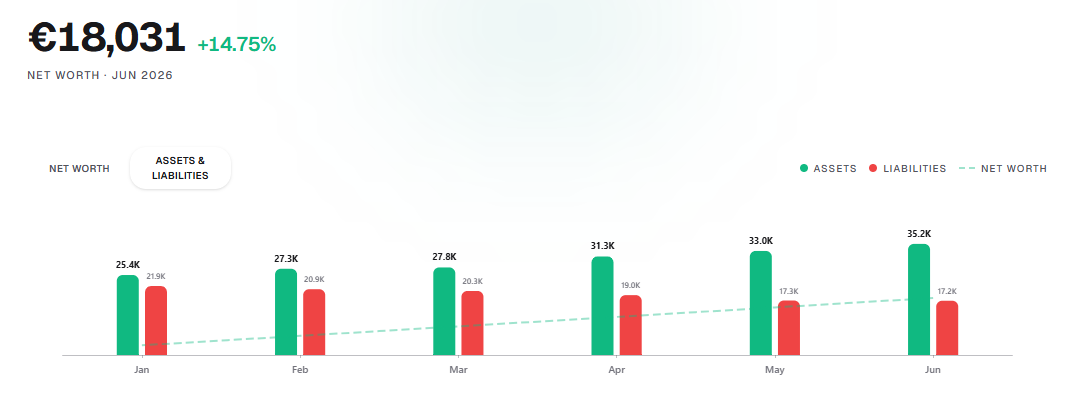
Your net worth is simply everything you own (assets) minus everything you owe (liabilities). A snapshot is that number on a specific day.
You don't need it to update every second. Real wealth moves slowly, and watching it by the minute just adds noise and anxiety. ledgr is built around a once-a-month snapshot — about ten minutes of logging — so you see the trend that actually matters without obsessing over daily swings.
Why not just link my bank? Because bank-syncing apps put your logins and full financial history on a third party's servers. ledgr takes the opposite approach: manual entry, data encrypted on your device, no aggregator in the middle. You can read more in our Mint, YNAB & Monarch comparison.
Step 1 — Verify your email and set your vault passphrase (2 minutes)
Open ledgr and you'll be asked for two things:
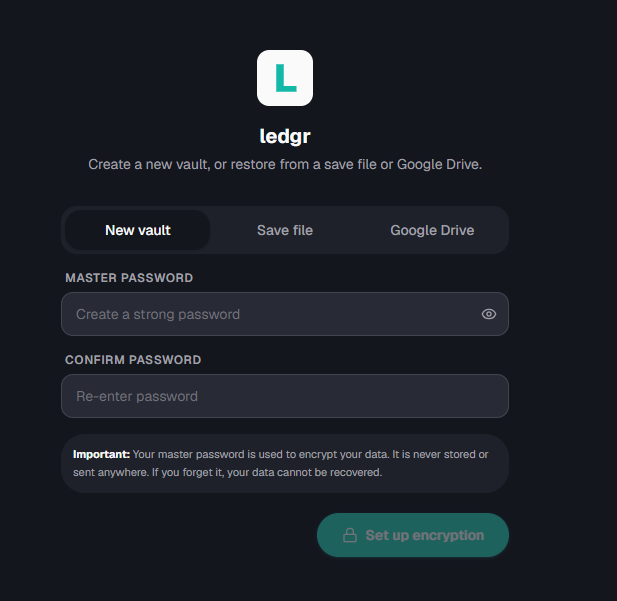
- A vault passphrase. This encrypts your financial data on your device. Choose something strong and memorable — it never leaves your device and we can't reset it, which is exactly why your data stays private.
- Your name and email. There's no bank to connect—you just verify your email once with a 6-digit code. This creates your ledger and unlocks the free tier (up to 5 instruments), plus the option to start a 3-month Pro trial.
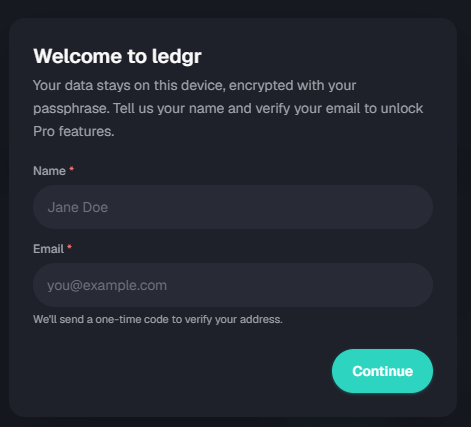
Free vs. Pro: Verifying your email gives you the free 5-instrument tier forever. If you want unlimited instruments, multi-currency conversion, cashflow, badges, and encrypted cloud backup, tick "Start my 3-month Pro trial". You can always skip it and stay free.
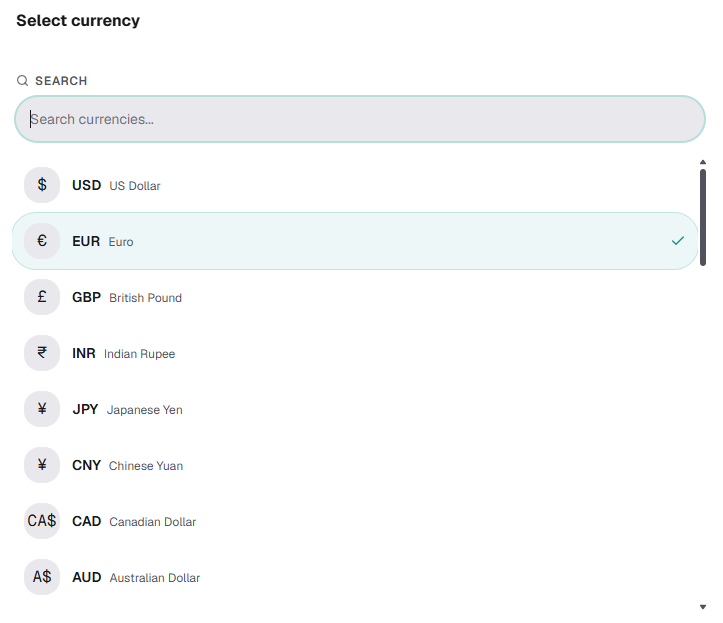
Step 2 — Set your base currency (30 seconds)
Pick the currency you think in — the one you want your final net worth total shown in. Head to Settings → Currency if you want to change it later.
If you keep money in more than one country (a very common reason people choose ledgr), each individual account can keep its own currency. On Pro, ledgr converts everything into your base currency for one clean total. On the free tier you'll use a single base currency, which is plenty for your first snapshot; but would have to handle conversion rates yourself.
Step 3 — Add what you own and owe (4 minutes)
In ledgr, every account or asset is an instrument. Go to the Instruments tab and add yours. They're automatically grouped into categories like Bank Accounts, Investments, Real Estate, Loans, and Credit Cards.
On the free tier you get 5 instruments, so choose the ones that capture the biggest pieces of your financial picture. A great starter set:
- Main current/checking account — your day-to-day cash
- Savings / emergency fund — money set aside
- Investments or pension — brokerage, index funds, retirement
- Property (if you own one) — your home's estimated value
- Your biggest debt — mortgage, student loan, or credit card
Assets push your net worth up; liabilities (loans, credit cards) pull it down. ledgr handles the signs for you based on the category.
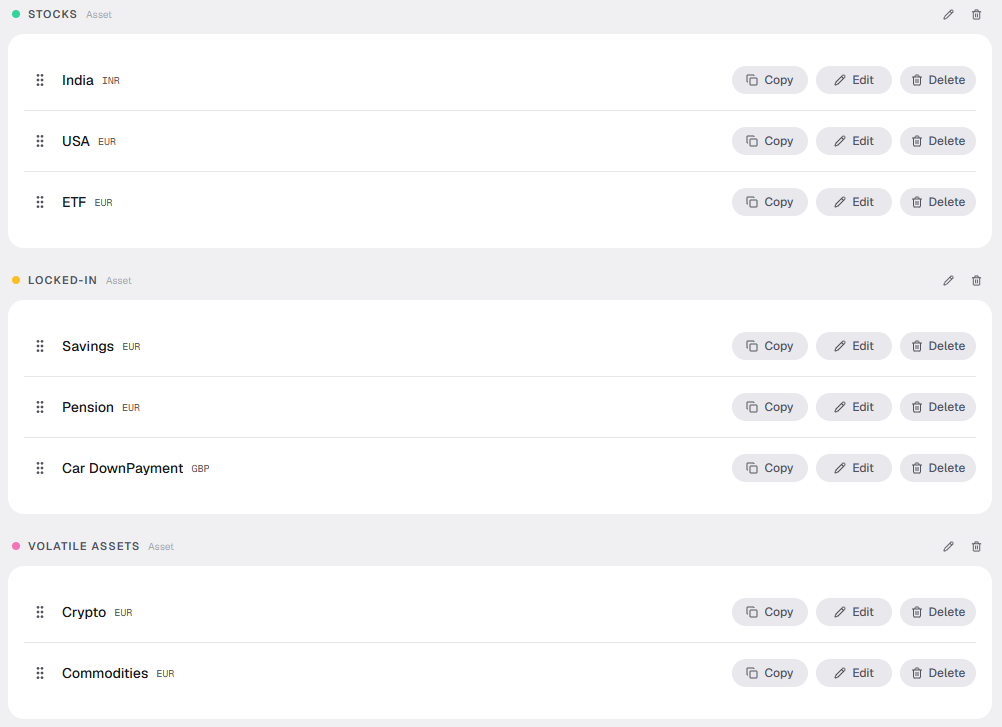
Not sure which five to pick? We are cooking up a companion guide, to be published soon!
Step 4 — Log this month's balances (2 minutes)
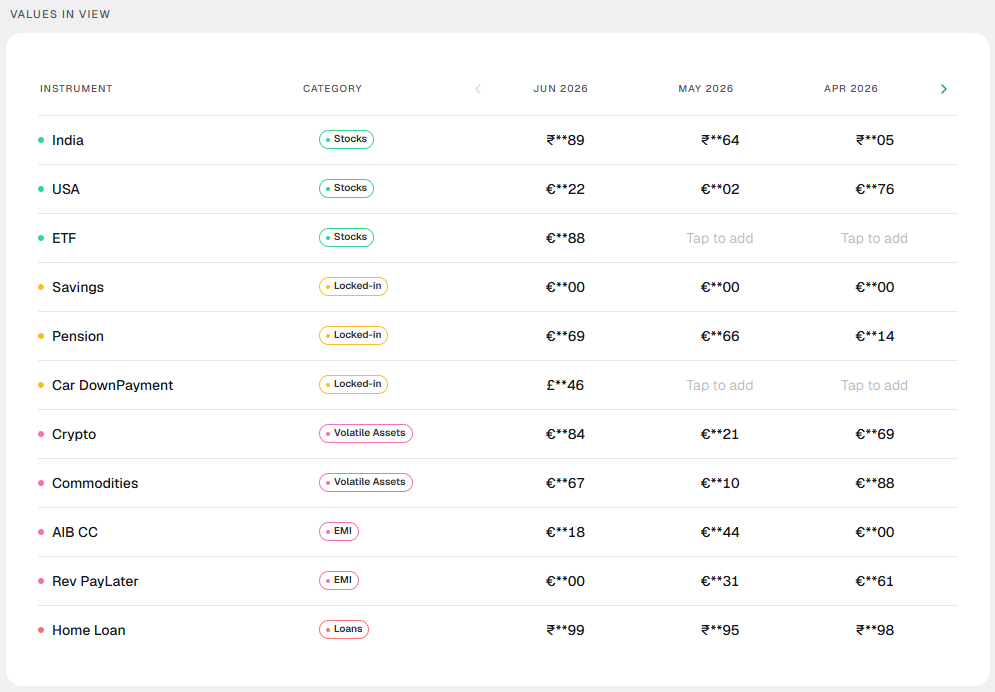
Now the actual snapshot. Open the Entries tab — a simple monthly grid — and type in the current balance for each instrument. Check your banking app or statement, enter the number, move on.
That's the slowest this will ever be. Next month, ledgr carries forward your previous values automatically, so you only change what actually moved. Logging becomes a two-minute habit.
Step 5 — Read your first net worth snapshot (1 minute)
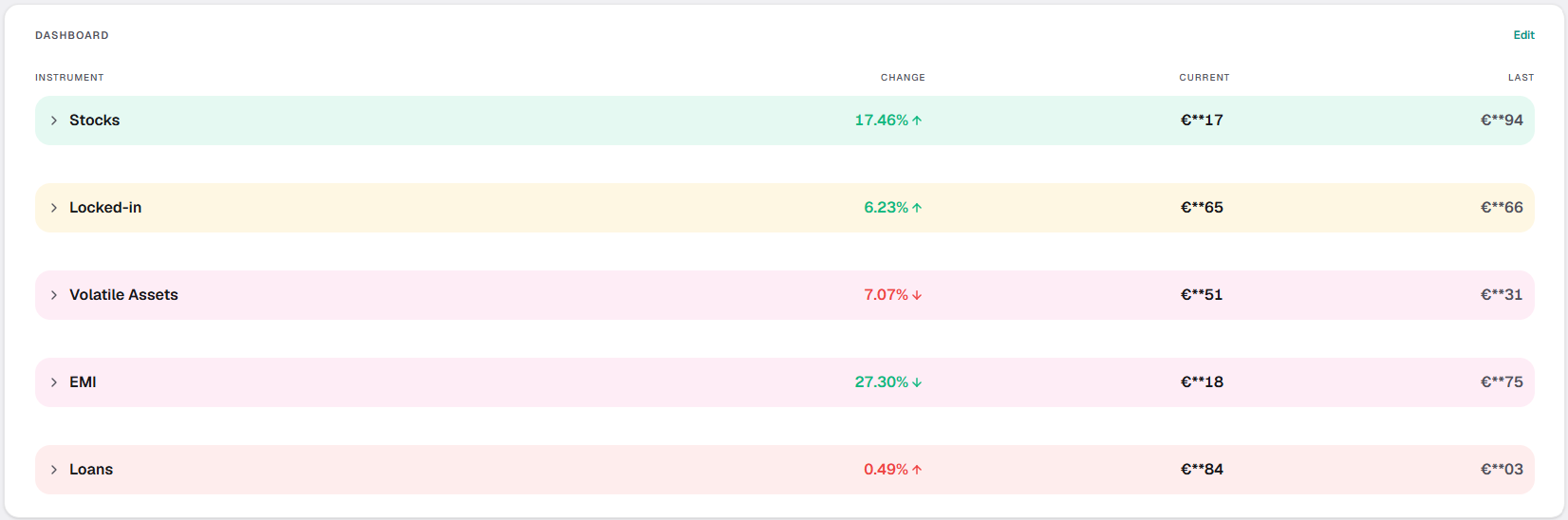
Head to the Dashboard. There it is: one number that represents your entire financial life, broken down into:
- Total net worth — your headline figure
- Assets vs. liabilities — what's lifting you up vs. weighing you down
- Category breakdown — where your money actually sits
- Month-over-month change — meaningful once you've logged a second month
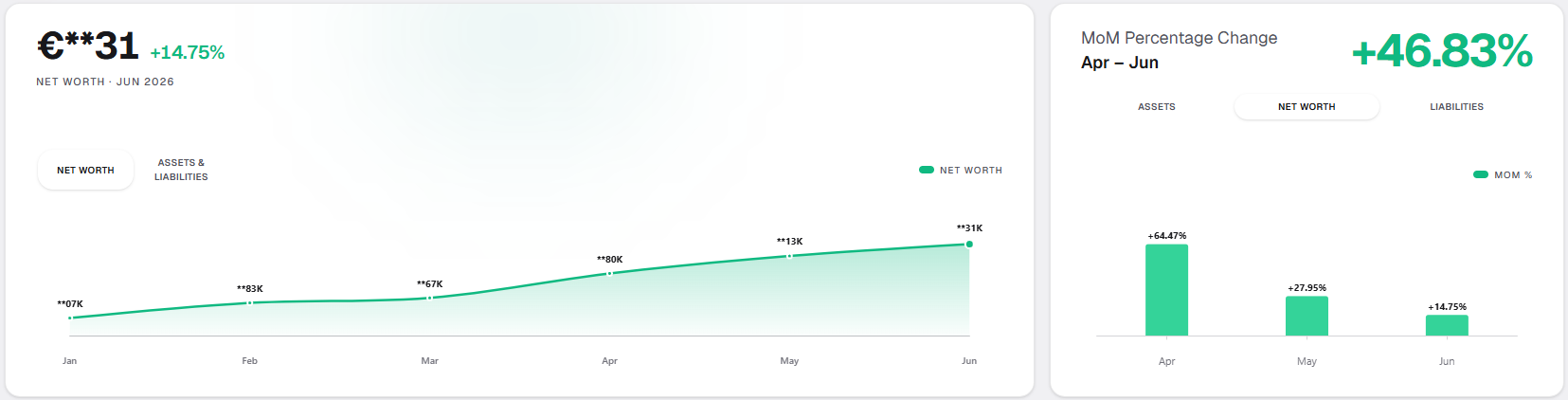
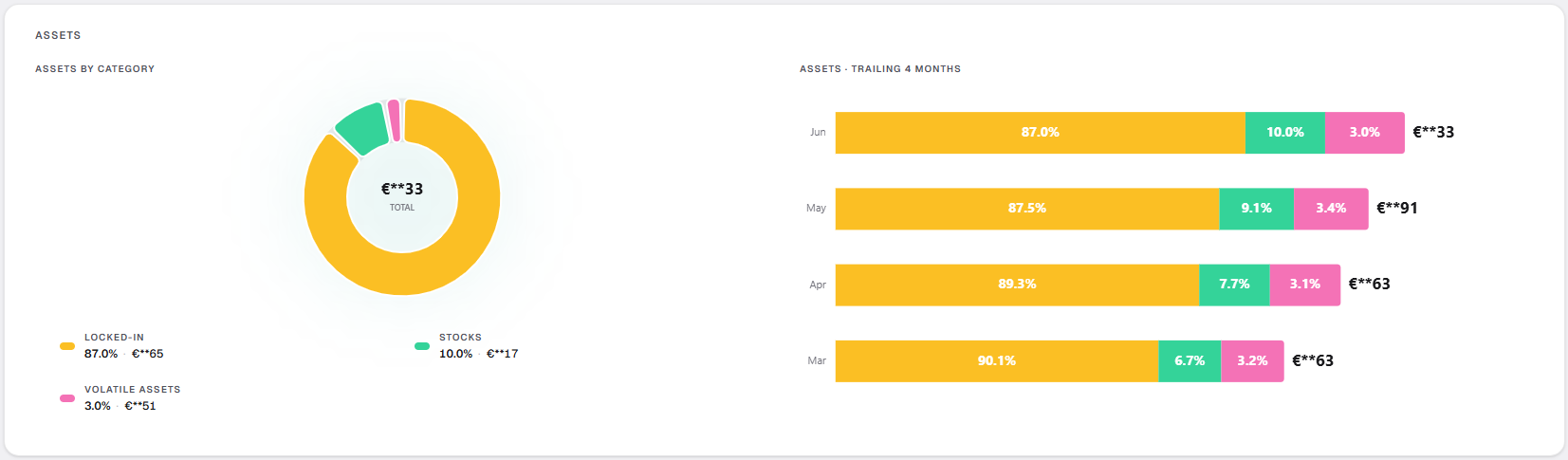
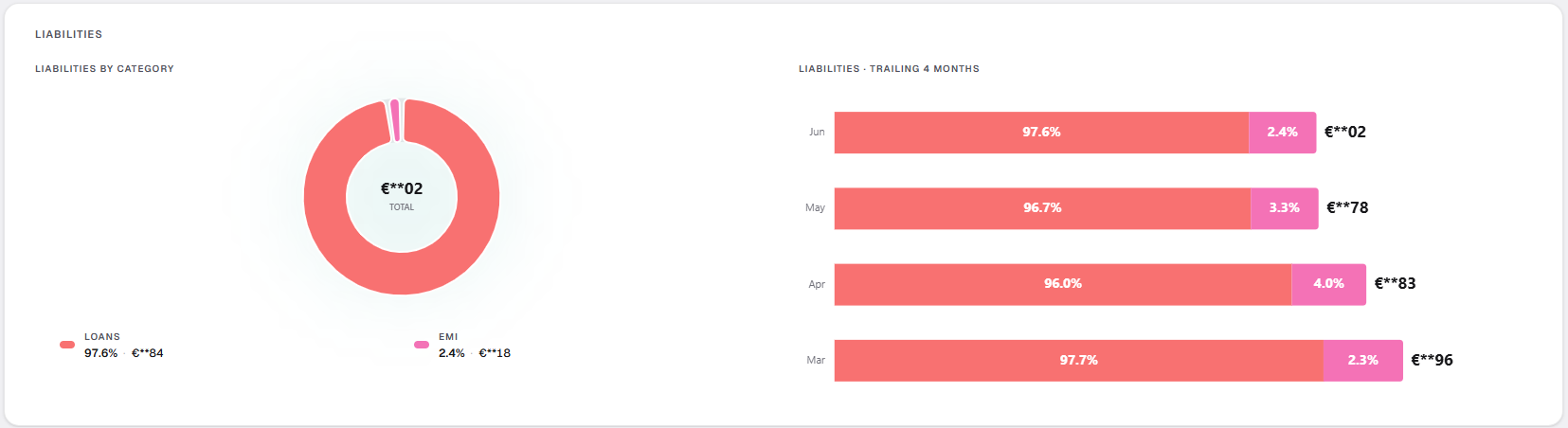
Right now your trend line is a single dot. That's the point of a first snapshot — it's the baseline. The magic shows up over the next few months.
What to do next: turn one snapshot into a trend
A single snapshot is useful. A trend is powerful. Here's how to make this stick:
- Set a goal. In the Goals tab, set a target for your net worth, a category, or a single instrument — and share a clean progress card when you hit a milestone.
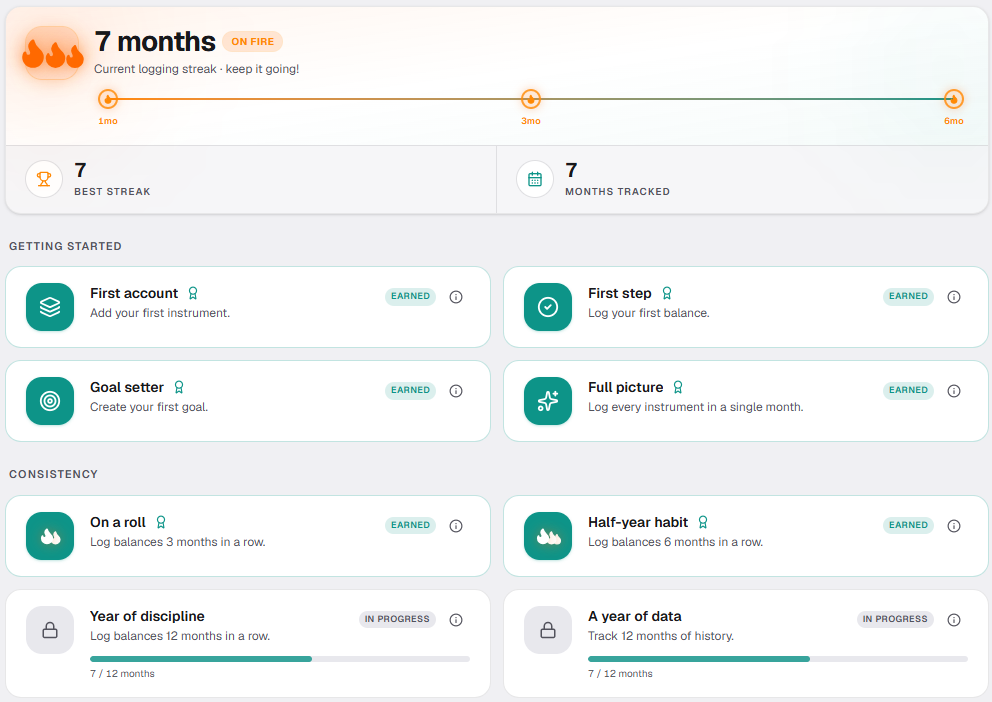
- Log a second month. The moment you record month two, your trend line appears and your month-over-month change goes live. Logging two months also starts a streak.
- Earn badges (Pro). ledgr rewards consistency with achievement badges and streak tracking — a small nudge that makes the monthly habit easy to keep.
- Track cashflow (Pro). Go beyond balances to log earnings, expenses, and what you set aside, then see your net cashflow alongside net worth.
- Back it up (Pro). Turn on encrypted cloud backup to your own Google Drive so a new phone or browser is never a fresh start. Your passphrase never leaves your device.
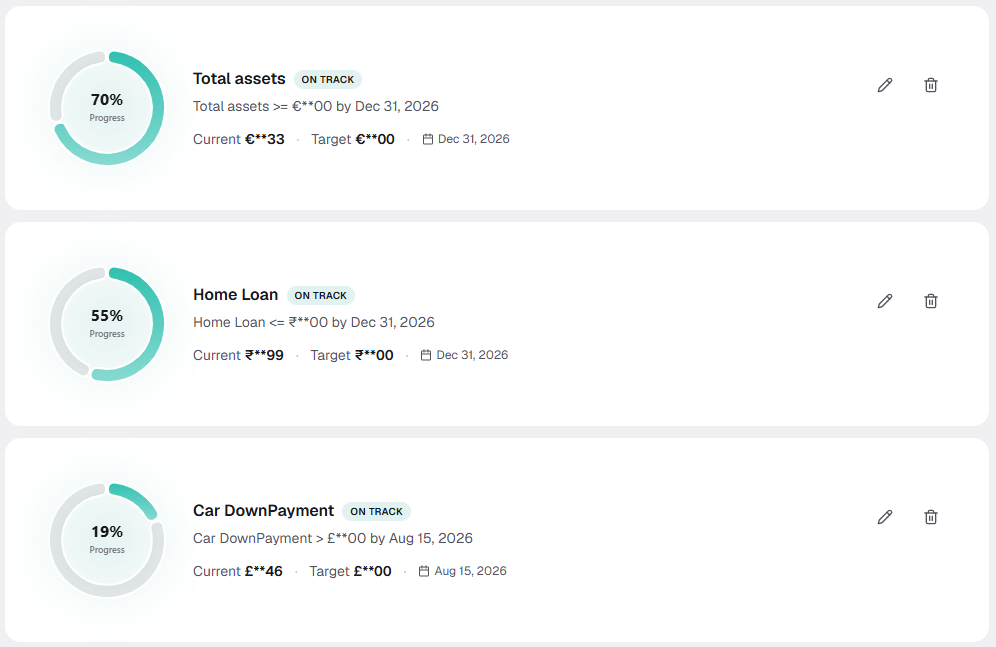
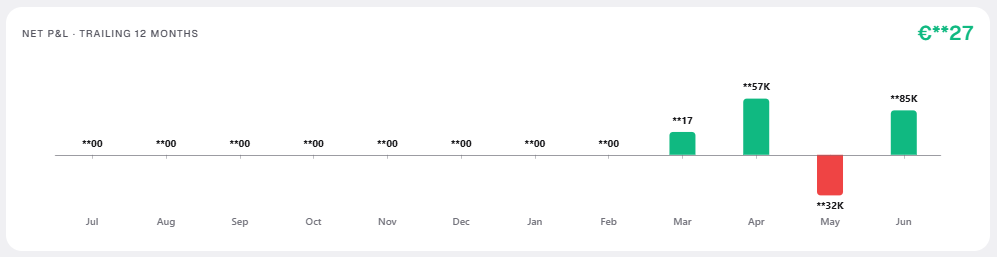
Want all of that? Start your 3-month Pro trial from Settings → Account, or see what's included on the pricing page.
Frequently asked questions
How long does it really take to set up a net worth tracker? About 10 minutes for your first snapshot in ledgr — verify your email, add up to five instruments (on basic, without the pro-trial opt-in), and enter this month's balances. Every month after that takes around two minutes thanks to carry-forward.
Do I have to connect my bank account? No. ledgr is built for manual monthly tracking. Nothing is synced or aggregated, and your data stays encrypted on your own device — no bank logins required.
Is ledgr free? Yes. After you verify your email, the free tier gives you up to 5 instruments in a single currency, the dashboard, trend charts, and goals—free forever. A 3-month Pro trial unlocks unlimited instruments, multi-currency, cashflow, badges, and encrypted cloud backup.
Why do I need to verify my email if there's no bank login? It's the single setup step that creates your ledger and unlocks the free tier—there's still no password and no bank connection. Your email is used only for sign-in and licensing, never your financial data.
What should I track first if I only get 5 instruments? Pick the items that move your net worth the most: a main account, savings/emergency fund, investments or pension, property (if you own one), and your largest debt.
Ready to see your number? Start tracking with ledgr—free, private, and on your device in about ten minutes.